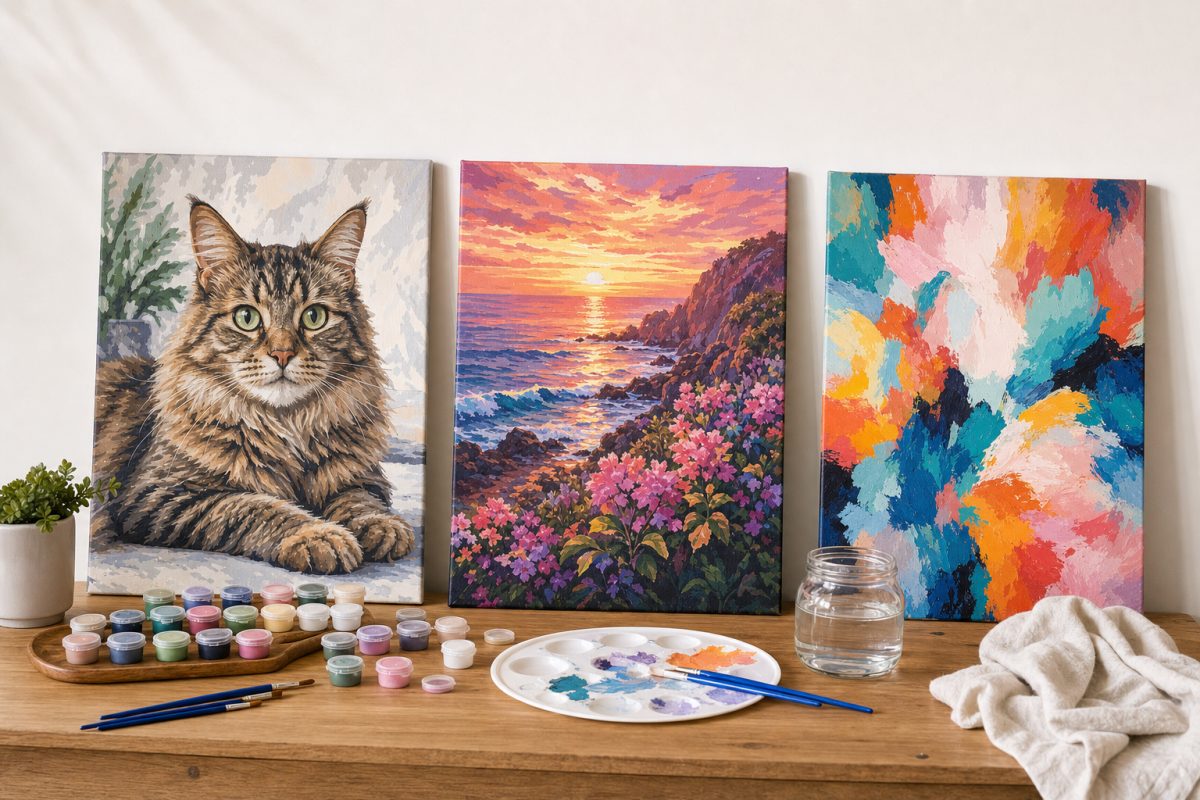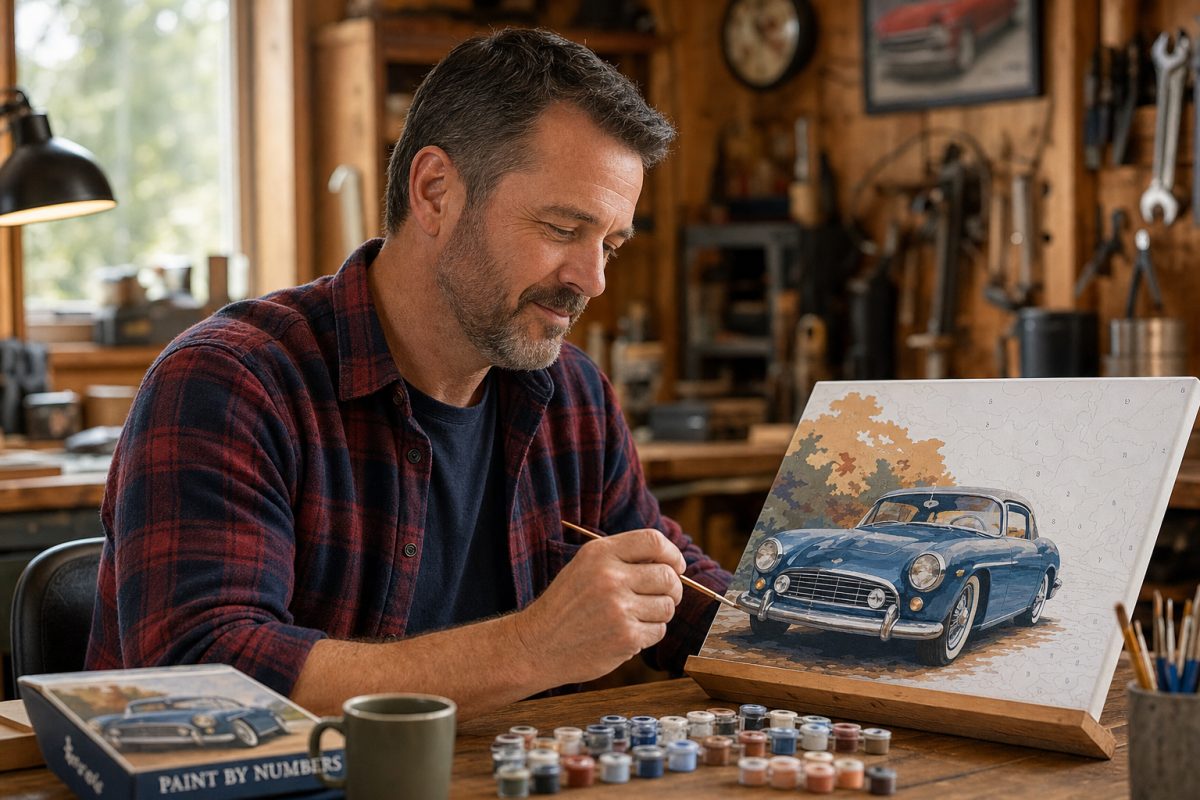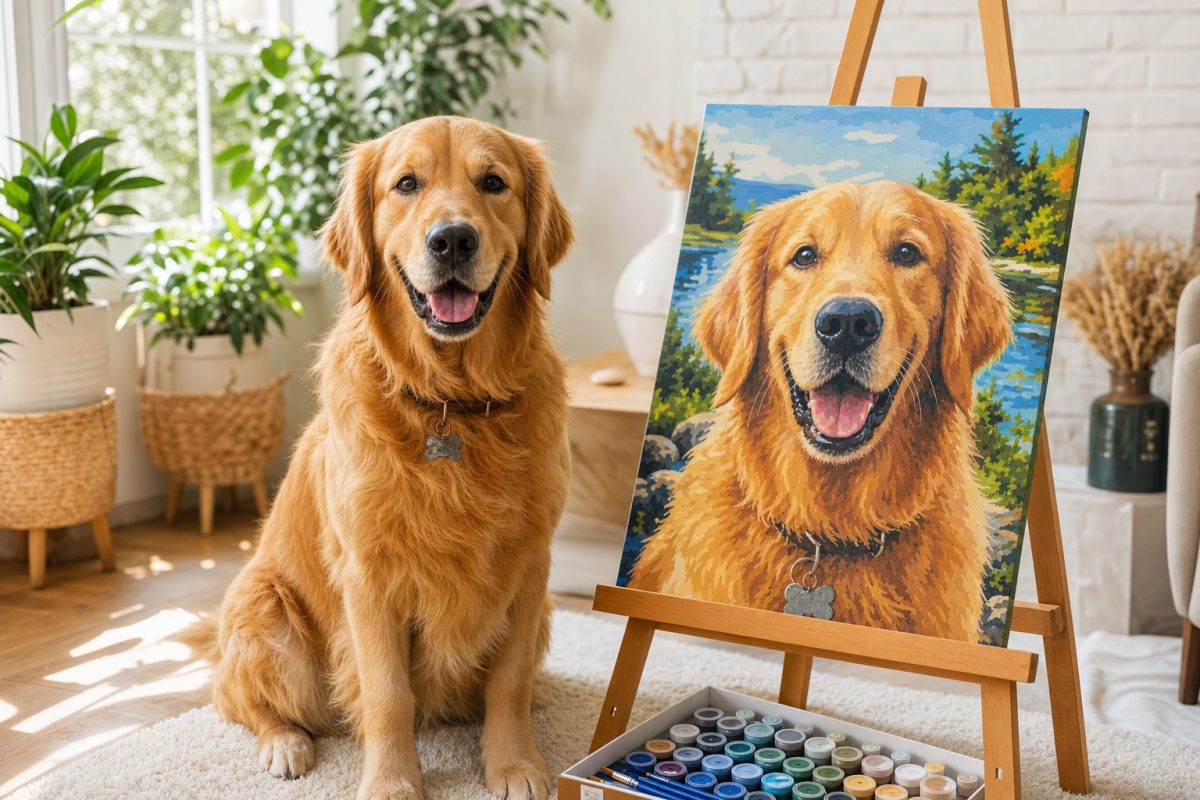
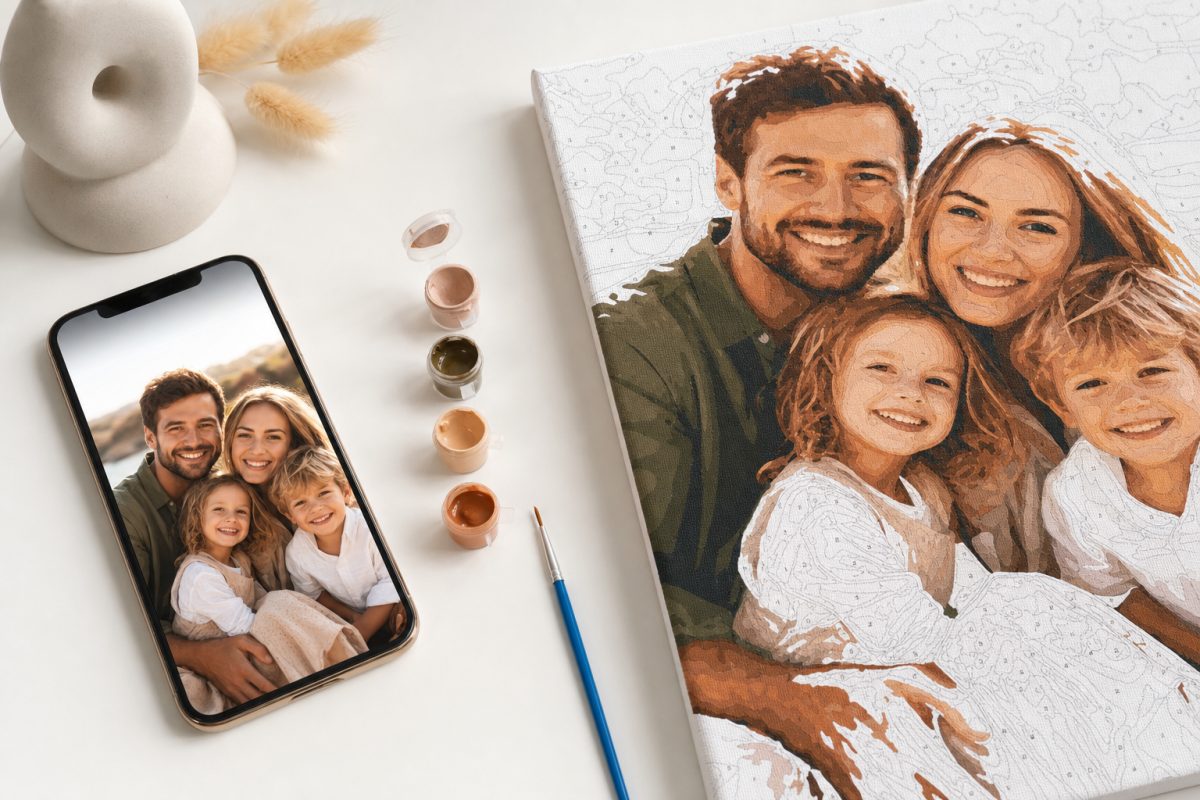
After converting over 53,000 photos into paint by numbers kits, I can tell you with confidence: the photo you choose matters more than your painting skill, your color count, or how expensive your kit is.
A great photo with 24 colors will produce a better painting than a mediocre photo with 48 colors. Every time. The conversion algorithm can only work with what you give it. Feed it a well-lit, well-composed photo with clear subjects and good contrast? You get a canvas that practically paints itself. Feed it a dark, blurry group shot from across the room? The algorithm does its best, but the result will be frustrating.
This guide will help you choose the photo that produces the best possible painting. And if you have already picked your photo, it will help you decide whether it is the right one or whether a different shot might serve you better.
The Three Rules That Matter Most
Rule 1: Good Light, Great Painting
Lighting is the single biggest factor in how well a photo converts. The reason is technical: a paint by numbers algorithm analyzes the color values in your photo and assigns each pixel region to a numbered section. When a photo has good, even lighting, the algorithm can distinguish between subtle color variations. The fur on your dog catches light at different angles. Your grandmother's face has natural highlights and shadows that create dimension. A sunset has thirty shades of orange that make it breathtaking instead of flat.
When a photo is poorly lit (dim, harsh shadows, mixed artificial lighting), those subtle variations disappear. The algorithm sees fewer distinct colors, and the resulting canvas has larger, flatter sections. The painting looks two-dimensional instead of lifelike.
Best light: Natural daylight. Outdoors on a cloudy day (diffused light with no harsh shadows) or indoors near a large window. The golden hour (the hour after sunrise or before sunset) produces especially beautiful warm tones.
Workable light: Indoor artificial light that is bright and even. Overhead room lighting is fine as long as it does not create deep shadows on faces.
Avoid: Flash photography (flattens everything), backlighting (subjects become silhouettes), mixed lighting (half the face lit by a warm lamp, half by cool daylight), and very dim environments.
Rule 2: Fill the Frame With Your Subject
The closer your subject is to the camera, the more detail the painting captures. This is simple math: if your dog fills 70% of the photo, 70% of the canvas sections are dedicated to painting your dog. If your dog is a small figure in a large park, most sections go to grass and sky and trees, and the dog becomes a blur of 15 sections that do not look like any specific animal.
Crop your photo before uploading if needed. Most phones let you pinch-to-zoom in the photo editor. Get the subject as large in the frame as possible while still including enough context to tell the story.
For people: head and shoulders (portrait crop) or waist-up. Full body from 20 feet away rarely converts well unless the person is the only subject against a simple background.
For pets: face and upper body is the sweet spot. The expression, the eyes, the unique markings are all concentrated in the face. A full-body shot from across the yard loses all of that.
Rule 3: Simple Backgrounds, Complex Subjects
Your kit has a fixed number of colors (24, 36, or 48). Those colors are split between your subject and the background. A complex background eats into the color budget. A dog on a white couch gets 90% of the colors for the dog. A dog in a busy park splits colors between the dog, the grass, the trees, the fence, the people walking by.
The ideal photo has a subject you care about against a background that is either simple (a wall, a couch, a clear sky) or blurred (the natural bokeh from a phone's portrait mode). If your best photo has a busy background, it will still work. But the painting will be more compelling if the subject dominates.
Photos That Convert Beautifully
Based on thousands of conversions, here are the photo types that consistently produce the best results.
Pet close-ups in natural light. Your dog on the porch in the afternoon sun. Your cat in the window. The lighting creates rich tonal variation in the fur, and the close crop means maximum detail on the animal. This is our single most successful photo category.
Couple portraits with blurred backgrounds. Taken in portrait mode or with a camera that naturally blurs the background. Two faces, clear and well-lit, against a soft backdrop. These produce romantic, gallery-quality paintings.
Children at play in daylight. The messy face after birthday cake. The grin at the beach. The concentration while building something. Natural light, natural expression, minimal background clutter. These are the paintings that make parents cry when they finish.
Landscape vistas. Mountains, coastlines, forests, cityscapes. Landscapes work brilliantly because they are inherently color-rich and the broad composition maps naturally to paint sections. Higher color counts (36 or 48) bring out the depth.
Vintage or old photos. Scanned Polaroids from the 1970s, black and white wedding photos, faded family snapshots. These carry enormous emotional weight, and the conversion algorithm handles them well as long as there is enough contrast to distinguish features. The painting process gives new life to an old image.
Photos to Think Twice About
Large group photos. More than four or five people in one frame means each face gets very few sections. Individual faces become hard to recognize in the finished painting unless you use 48 colors and a larger canvas size. If you want a group painting, consider cropping to just the key people.
Very dark photos. If you can barely see the details on your phone screen, the algorithm cannot see them either. Try increasing brightness and contrast in your phone's editor before uploading. Sometimes a small adjustment transforms a too-dark photo into a paintable one.
Heavy text or graphics in the image. Screenshots, memes, photos with overlaid text. The algorithm treats text as shapes and assigns colors to it, which wastes sections on characters instead of the image content.
Extremely low resolution. Photos pulled from very old social media posts (pre-2015 Facebook, for example) can be too low-resolution for a good conversion. If the photo looks pixelated when you zoom in on your phone, it will look pixelated on the canvas. Aim for the highest resolution version you can find.
Quick Pre-Upload Checklist
Before you upload, check these five things:
1. Can you clearly see the subject's features (face, eyes, expression) on your phone screen? If yes, the resolution is fine.
2. Is the lighting even and natural? No harsh shadows cutting across the face? No silhouette effect from backlighting?
3. Does the subject fill most of the frame? If not, crop tighter.
4. Is the background simple or blurred? If it is busy, consider whether a different shot of the same subject has a cleaner background.
5. Is the photo unfiltered? Remove Instagram filters, black-and-white effects, or heavy edits. Use the original.
If all five check out, you have a great photo for a paint by numbers kit. Upload it and let the system do its work.
When in Doubt, Ask Us
If you are genuinely unsure whether your photo will convert well, email us. Attach the photo. We will tell you honestly whether it will produce a great painting or whether a different shot might work better. We would rather help you choose the right photo upfront than have you disappointed with the result.
We have seen 53,000 photos. We know what works. And we want your painting to be the one you are proud to hang.